

Table of Contents
- The Growing Need for Digital Privacy Control
- How Google’s “Results About You” Tool Works
- How to Use the Tool: A Step-by-Step Guide
- What Google Will (and Won’t) Remove
- Why It Matters for Your Privacy
- Limitations of the Tool: What It Doesn’t Do
- Privacy Tools and Online Safety
- Google’s Voluntary Approach
- Digital Privacy in the Age of Data Brokers
- Taking Charge of Your Digital Privacy
The Growing Need for Digital Privacy Control
Personal data is regularly compiled from a wide variety of sources—public records, social media activity, and online purchases, among others. While this information is often collected for commercial purposes, it can also lead to serious privacy concerns, including identity theft and harassment. For instance, exposing someone’s home address or personal contact details can put them at risk for everything from unwanted solicitation to physical harm.
Over the years, privacy advocates have pushed for stronger measures to prevent the unnecessary exposure of personal information online. Now, with the introduction of Google’s “Results About You,” users have a powerful tool at their fingertips to combat these risks. This new feature is a crucial step toward giving individuals more control over their online footprint.
How Google’s “Results About You” Tool Works
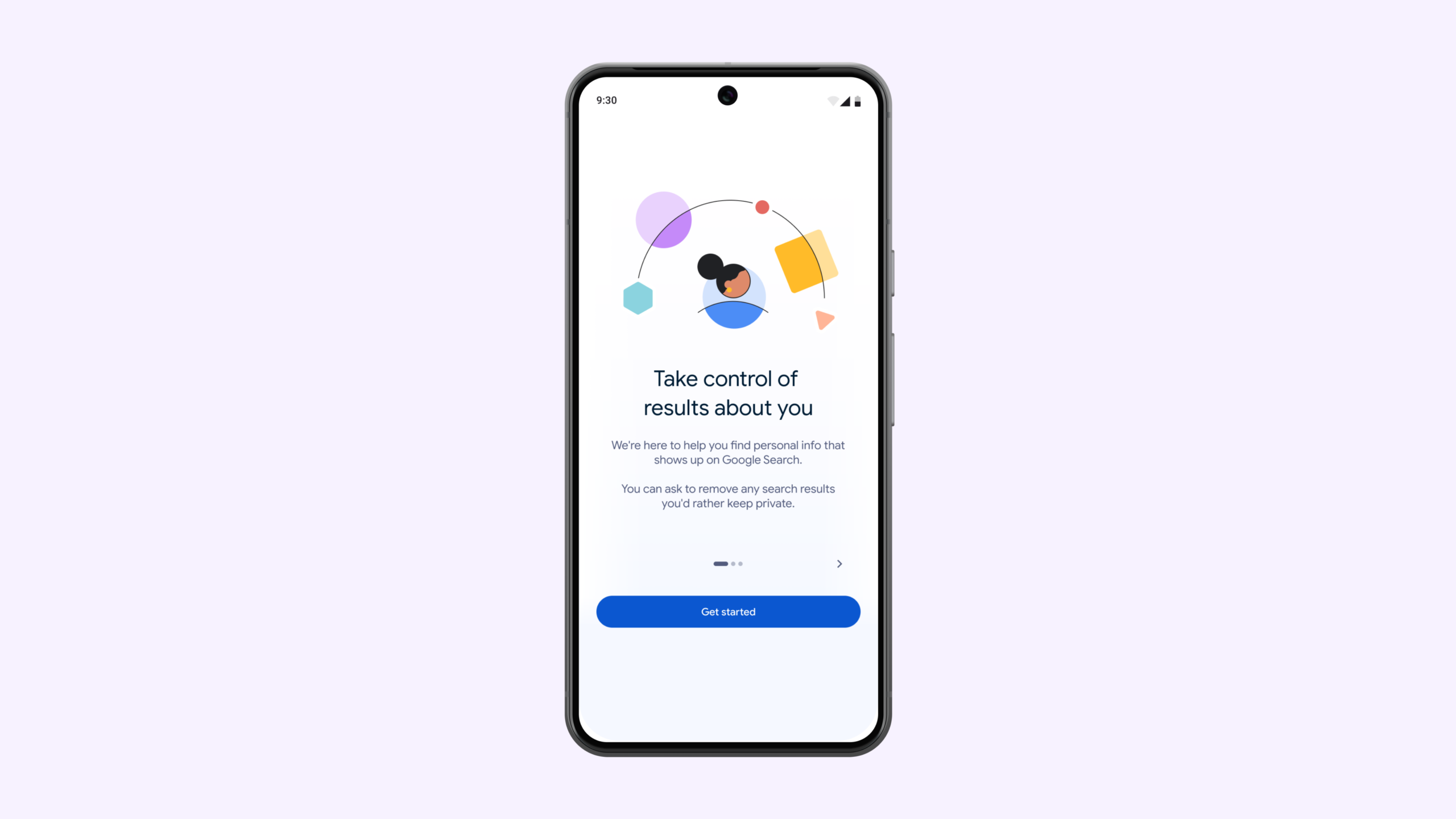
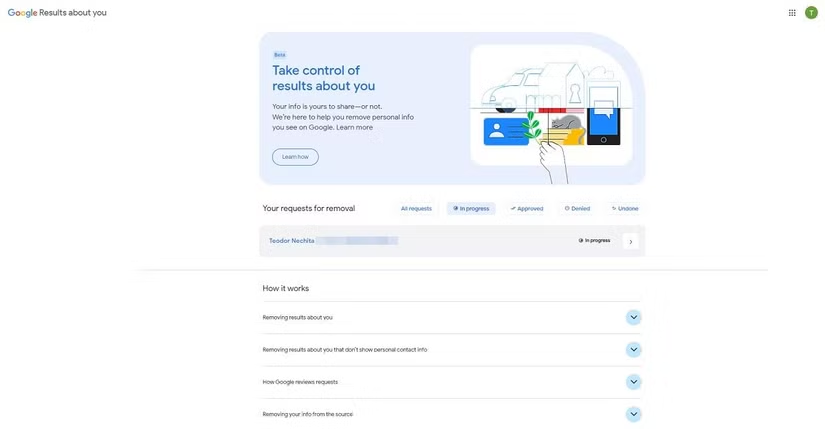
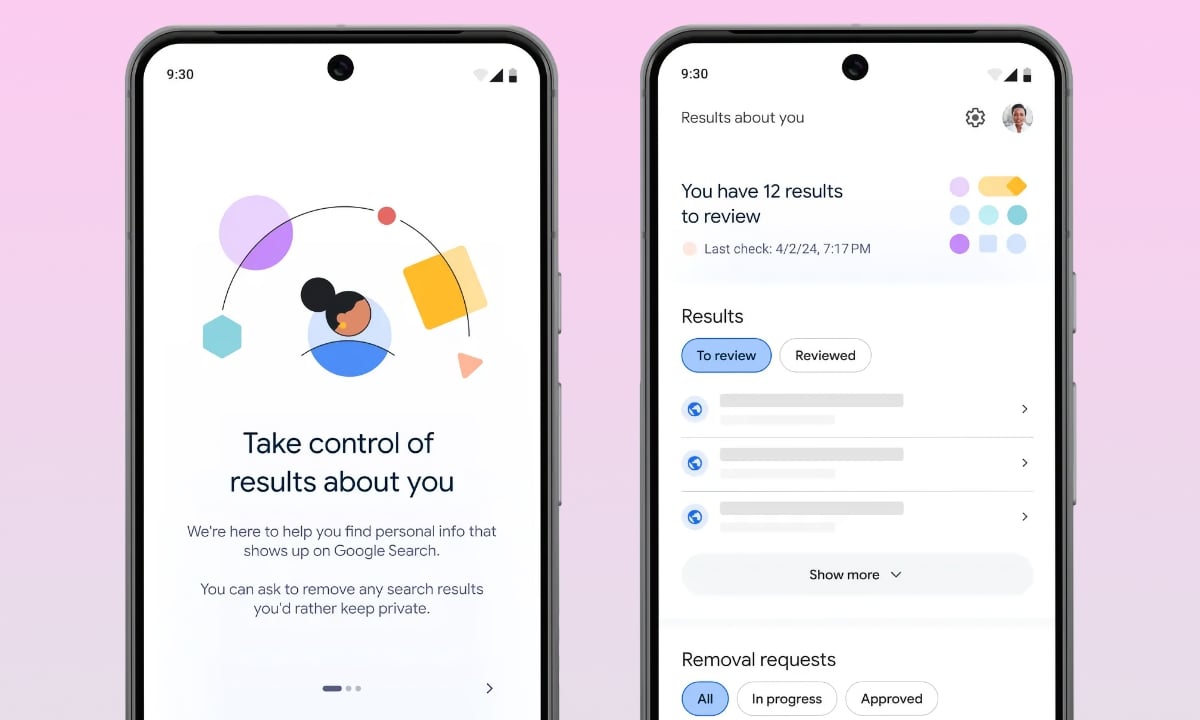
Google’s “Results About You” feature provides a user-friendly dashboard that allows individuals to monitor and remove sensitive information from search results. The tool works by scanning Google’s search index for personal details such as names, phone numbers, addresses, and email addresses that the user submits. Once Google detects any matching information, it alerts the user, providing them with an opportunity to review the data and request its removal.
One of the standout features of this tool is its proactive approach. Users don’t have to continuously search for their own information across the internet. Instead, the tool does the monitoring, ensuring that any new or updated pages containing their personal data are flagged immediately. This makes it a comprehensive solution for those concerned about digital privacy.
How to Use the Tool: A Step-by-Step Guide
Using Google’s “Results About You” tool is a simple process. Here’s how to get started:
- Access the Dashboard: On the Google mobile app, tap your profile picture, then select “Results about you.” Alternatively, on a desktop or mobile browser, visit myactivity.google.com/results-about-you.
- Enter Your Information: After clicking “Get Started,” you’ll be prompted to enter personally identifiable information (PII) such as your full name, address, phone number, and email address.
- Configure Alerts: Google allows you to choose how you want to be notified about new results. You can opt for email notifications, push notifications, or both.
- Review and Request Removal: Once the system starts scanning, any results that contain your personal data will appear in the dashboard. For each match, you’ll be able to view the source and request removal from Google’s search results.
By following these steps, users can quickly manage and protect their personal information without navigating complex help pages.
What Google Will (and Won’t) Remove

While this tool offers a streamlined process for removing personal information, it is not a catch-all solution for erasing everything about yourself from the internet. The primary goal of the tool is to safeguard users from harmful exposures, such as phone numbers, home addresses, and other private details.
It’s crucial to understand that when Google approves a removal request, it only removes the search result from its index. The actual webpage containing the information remains on the internet. For complete removal, users will need to contact the website owner directly.
Additionally, Google does not remove links to personal information that is part of the public record. This includes news articles, government records, or other information considered to be in the public’s interest. The tool is designed to balance privacy with public access to necessary information.
Why It Matters for Your Privacy
The introduction of “Results About You” is significant for anyone concerned about their privacy in an increasingly digital world. By making it easier for individuals to monitor and request the removal of personal information from search results, Google is empowering users to take control over their online presence. This tool ensures that sensitive data, like your home address or phone number, is no longer easily accessible to the public through search engines.
Moreover, the tool acts as a continuous safeguard against the growing issue of digital identity theft. As data brokers and people-finder websites continue to build detailed profiles of individuals, Google’s feature provides a much-needed way to reclaim some measure of control over one’s digital footprint.
Limitations of the Tool: What It Doesn’t Do
It’s important to note the limitations of the tool. While it offers a significant improvement over previous methods of managing personal data online, it does not provide a full erasure of personal information from the web. Google’s “Results About You” tool simply removes the search result from its index, but the underlying webpage that contains your information may still be accessible through other search engines or by anyone who has a direct link to the content.
Additionally, the tool is limited to removing personal data that’s included in search results. If your data is published in a news article, part of a government record, or available on other platforms, the tool won’t be able to remove it.
Privacy Tools and Online Safety
While Google’s tool is a useful resource, it’s only one part of a much broader privacy landscape. To achieve complete digital privacy, users must also consider other tools and services designed to enhance their security. For instance, services like paid data removal companies can assist in further cleaning up personal data from websites. These services work by reaching out to individual websites and requesting the removal of sensitive information from their servers.
In addition, users should be mindful of the privacy settings on their social media accounts, as well as the information they share when signing up for new services. Protecting digital privacy requires consistent vigilance and a multi-layered approach.
Google’s Voluntary Approach
Unlike the European Union, where privacy laws such as the GDPR offer people a legal “Right to be Forgotten,” Google’s privacy tool operates on a voluntary basis. This means that Google sets the terms for what can and cannot be removed from search results. While this system works for many users, it is not as robust as legal frameworks that guarantee broader privacy protections.
For those living in regions with stricter privacy laws, the “Right to be Forgotten” provides more legal recourse to remove personal data from search results. Unfortunately, for those in the United States and other countries without similar laws, Google’s tool remains the best option for protecting personal information from being easily found online.
Digital Privacy in the Age of Data Brokers
The rise of data brokers—companies that specialize in collecting, aggregating, and selling personal data—has made digital privacy a complex and often overwhelming issue. These companies are responsible for the majority of personal data found on people-finder websites and other databases. While Google’s “Results About You” tool provides a means of protecting sensitive information in search results, it doesn’t address the root issue: the collection and distribution of personal data by third parties.
As privacy regulations continue to evolve, there may be more tools and legal frameworks that allow individuals to regain control over their digital footprint. However, for now, Google’s tool is a valuable first step in protecting personal information online.
Taking Charge of Your Digital Privacy
Google’s new “Results About You” tool provides a simple and effective way for individuals to protect their personal information in an increasingly data-driven world. While it does not offer complete erasure of personal data from the internet, it empowers users to control their online presence and prevent harmful exposures. Combined with other privacy tools and strategies, it offers a practical solution to the growing issue of digital privacy.